
Build a Professional Resume for Your Next Job

ResumeAhead is an online resume builder that helps you create, improve, format, and preview a job-ready resume from one guided workspace.
Build and preview your resumeGuided resume workflowUpload or start fresh
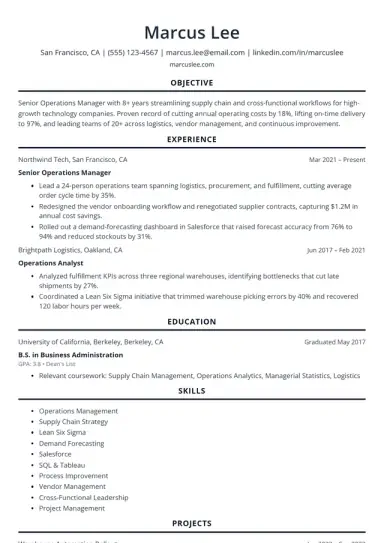
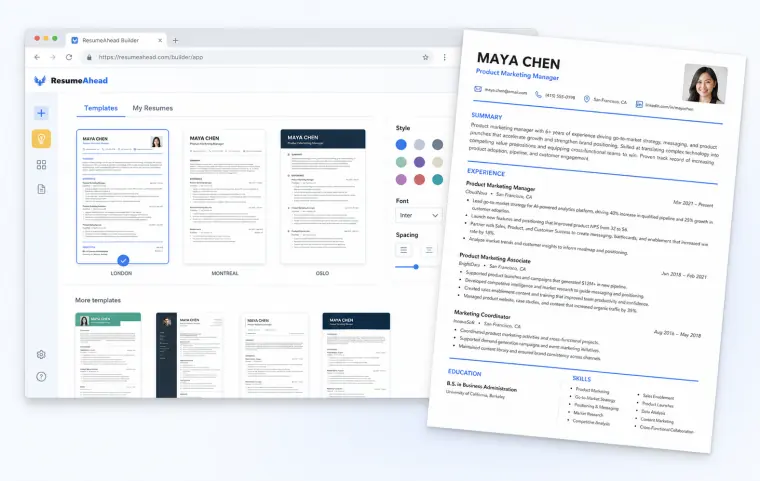
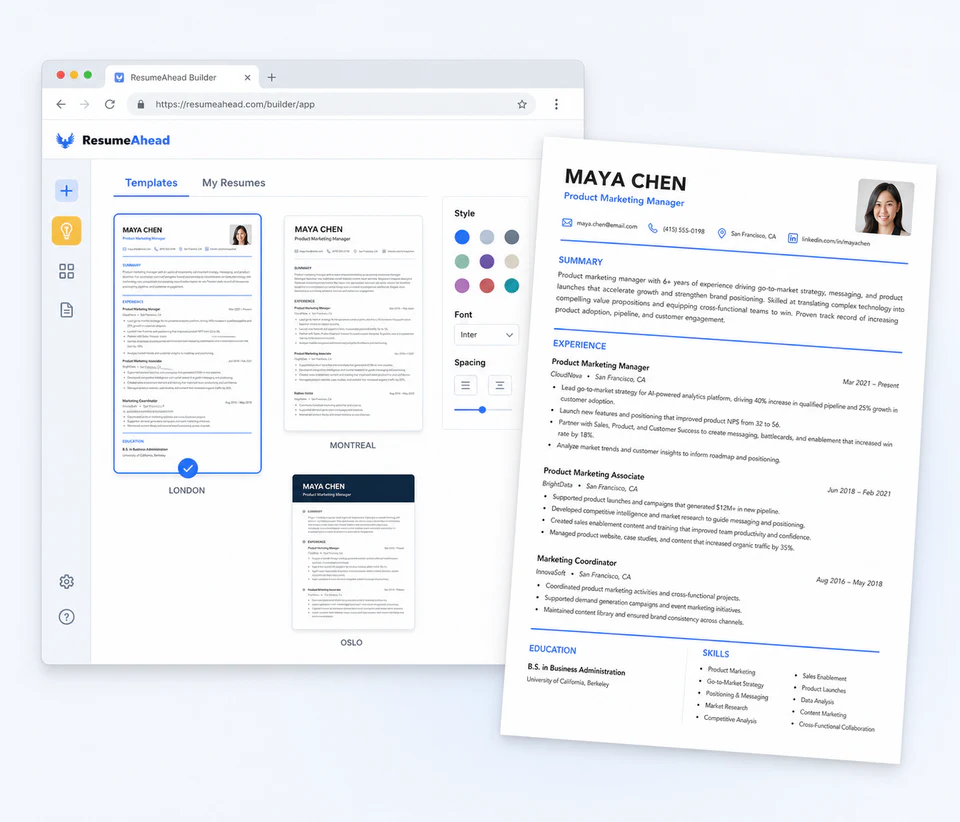
ResumeAhead template gallery with a completed professional resume preview

Choose a Professional Resume Template

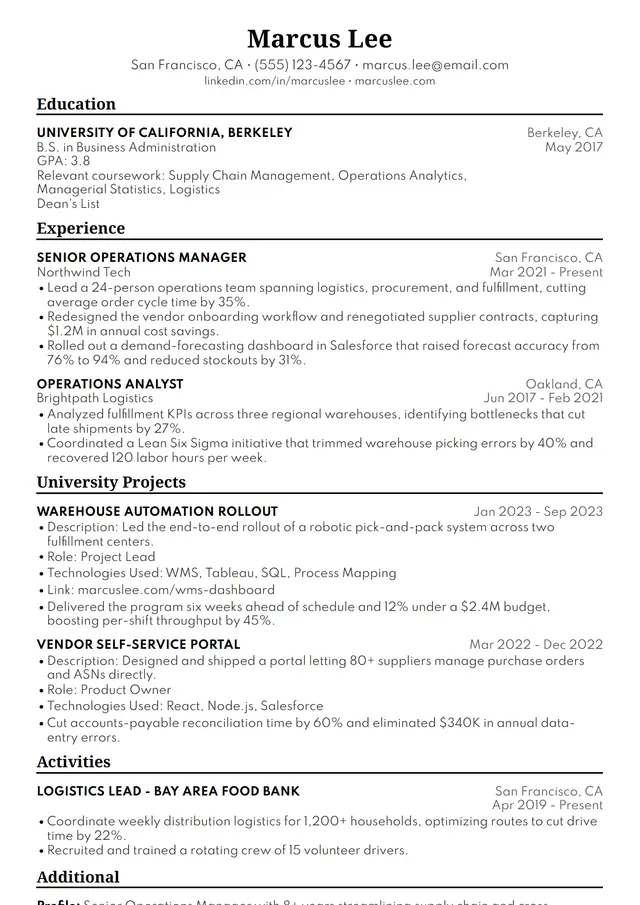
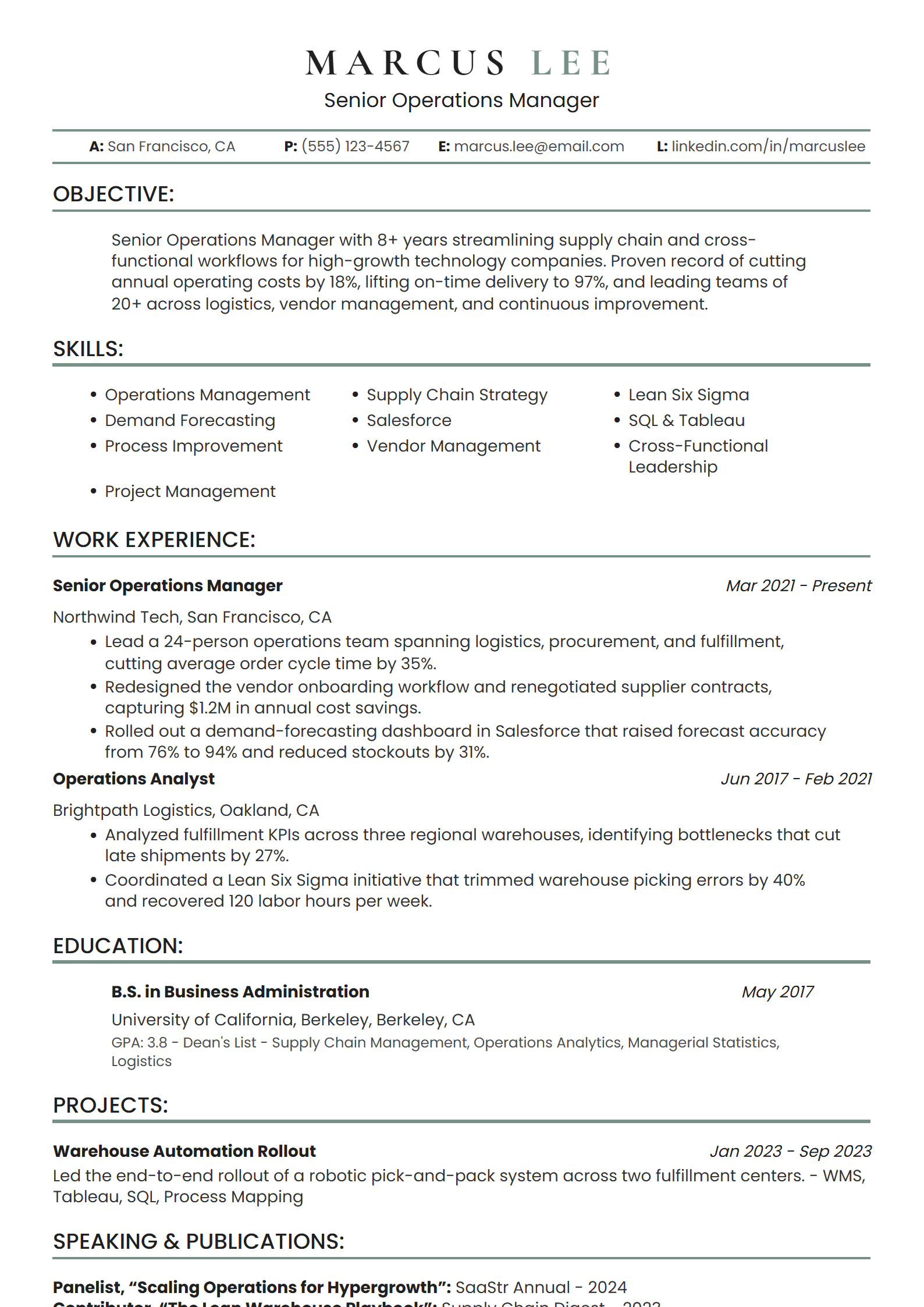
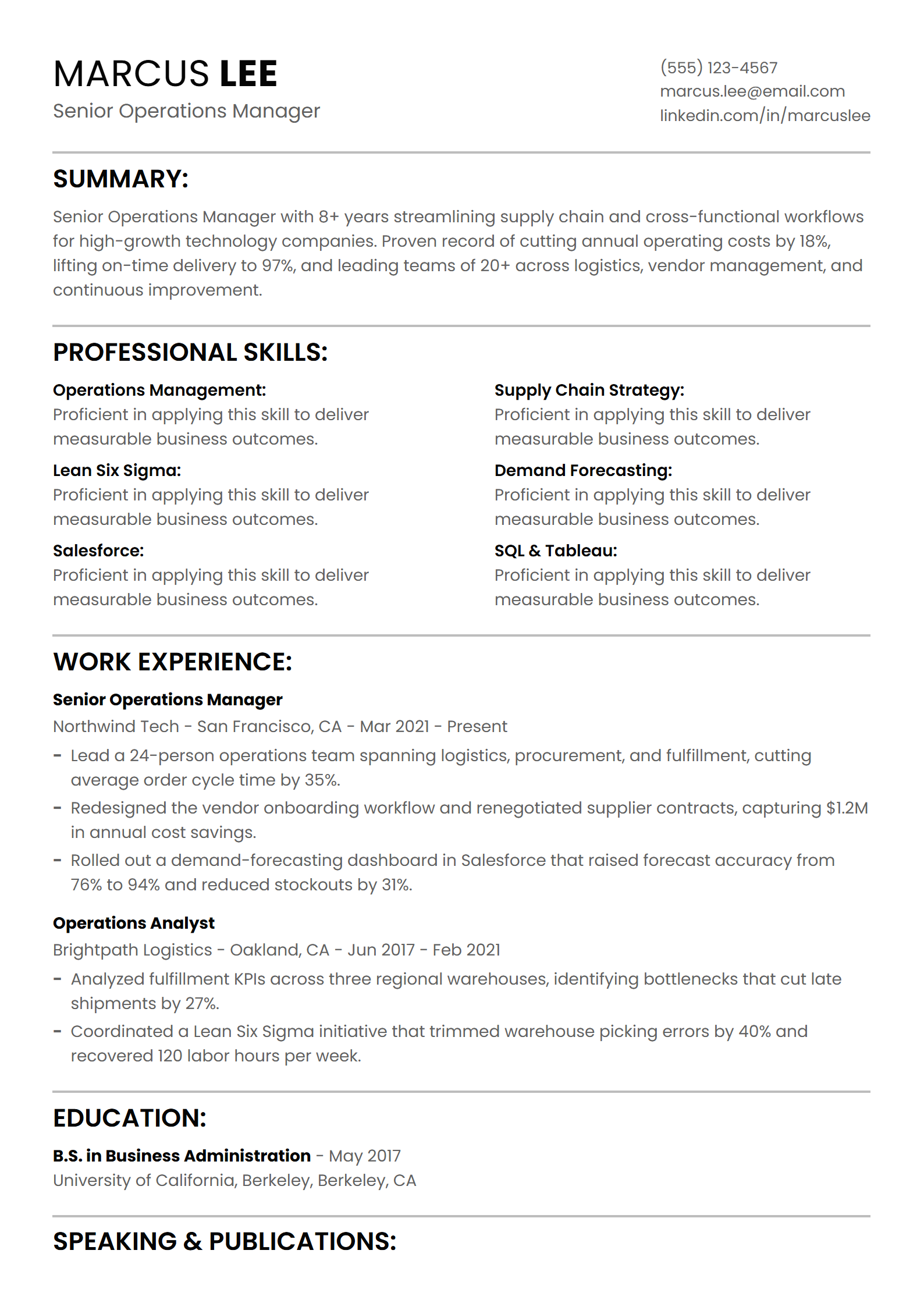
Start your resume with a professionally designed template, then customize the colors, spacing, typography, and resume sections to match your experience.

4 ATS-friendly templates
1 / 4

Build a Better Resume from Start to Finish

ResumeAhead brings resume writing, resume formatting, AI assistance, and resume downloads into one guided workflow.

Step 1

Upload Your Existing Resume

Import your current resume, keep the experience you already have, and move the content into a cleaner resume format.

Step 2

Improve Resume Skills and Bullet Points

Strengthen your resume with clearer bullet points, relevant resume skills, and achievement-focused language.

Step 3

Generate a Professional Resume Summary

Use AI guidance to create a focused resume summary based on your experience, career level, and target job.

Step 4

Format Your Resume Automatically

Switch resume templates, colors, spacing, and export formats without rewriting your resume content.

How to Build a Resume in 3 Easy Steps

Use the ResumeAhead resume builder to add your experience, choose a resume template, and prepare a professional resume for your next application.

Step 1

Add or Import Your Resume Content

Enter your experience, education, resume skills, achievements, certifications, and other information, or begin with an existing resume.

Key resume sections

HeaderSummaryExperienceEducationSkillsCertifications

Step 2

Choose and Customize a Resume Template

Compare professional resume templates, change colors and spacing, and organize your resume sections around the job you want.

Template styles

ProfessionalModernCreativeSimpleATS

Step 3

Preview and Download Your Resume

Review your finished resume, make final edits, and choose PDF, DOCX, TXT, or an available resume-sharing option.

File formats

PDFWordTXTShareable link

Professional Resume Examples for Popular Careers

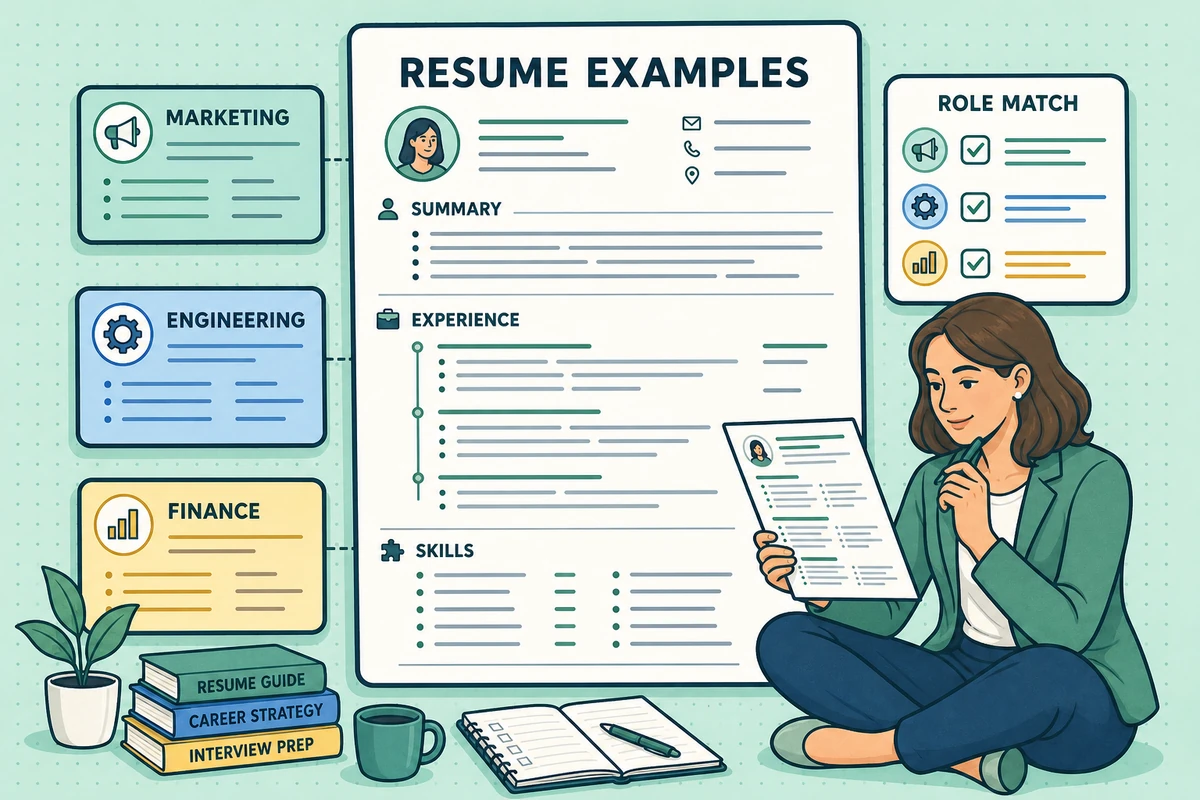
Explore role-specific resume examples to learn how strong resumes present experience, skills, achievements, and professional summaries.

Pick a role to preview the pattern
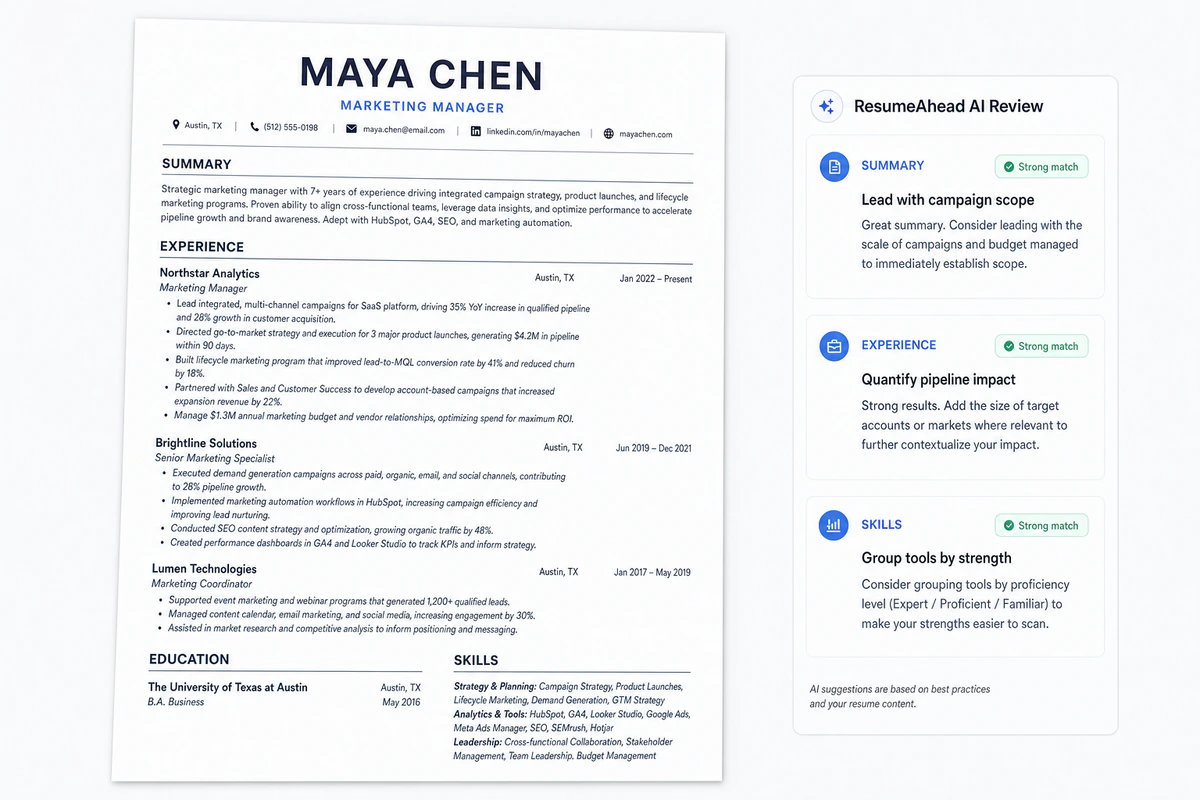
Marketing Manager resume example with ResumeAhead AI review notes

Marketing Manager Resume Example

Position campaign wins, channel ownership, and measurable growth without sounding generic.

  • Lead with campaign scope and audience impact
  • Turn launch work into metrics-backed bullets
  • Group tools, channels, and leadership skills

Why Job Seekers Choose the ResumeAhead Resume Builder

resumeahead
5/5

"The resume builder helped me turn scattered notes into a professional resume that looked organized and easy to scan."

Maya C

Marketing applicant

resumeahead
5/5

"I liked that I could upload my old resume, keep the useful parts, and improve the writing section by section."

Daniel K

Software engineer

resumeahead
5/5

"The AI suggestions made it much easier to write bullet points that sounded specific instead of generic."

Priya S

Operations specialist

resumeahead
5/5

"I could compare resume templates without rewriting everything, and the finished resume felt polished enough to send."

Andre M

Customer support lead

resumeahead
5/5

"The section prompts helped me understand what hiring managers actually need to see on the page."

Hannah L

Nursing candidate

resumeahead
5/5

"I could compare versions for different roles and export a clean resume without fighting the formatting."

Chris J

Project coordinator

5/5

Based on 6 ResumeAhead customer reviews

One resume. Every opportunity.

Ready to Build Your Professional Resume?

Use the ResumeAhead resume builder to organize your experience, strengthen your resume content, and prepare a polished resume for download.

ATS-friendlyFully editablePDF & DOCX
Build My Resume Now

Preview the ResumeAhead editor alongside three professional resume templates.

Resume Guidance for a Stronger Job Application

ResumeAhead combines resume-writing standards, recruiter-style review, ATS-aware resume structure, and career research to support clearer resume content.

Editorial
ResumeAhead editorial expert headshot

ResumeAhead Editors

Resume Writing Standards

ATS resume review expert headshot

ATS Review Team

ATS Resume Formatting

Career coaching expert headshot

Career Coaching Panel

Resume Summary and Bullet Guidance

Recruiter review expert headshot

Recruiter Review Panel

Recruiter Resume Review

Research
Resume research expert headshot

Research Desk

Resume Examples and Job Market Research

Resume Editorial Standards

Every public guide and resume pattern is reviewed for clarity, usefulness, and practical job-search accuracy.

Professional Resume Guidance

Builder prompts follow resume-writing conventions, recruiter review patterns, and ATS-friendly structure.

Resume and Job Search Research

Guides, examples, and checker prompts are organized around the questions applicants ask before they build and apply.

Research Behind ResumeAhead Resume Guidance

Our resume guidance draws on hiring, labor-market, workplace, and career research before it is translated into resume examples, resume templates, and builder prompts.

ResumeAhead Resume Research Library

Resume Guides, Examples, and Job Search Research

Explore resume guides, resume examples, ATS advice, resume-format research, and AI resume workflows created around the questions job seekers ask.

Build My Resume Now
4 guide previewsViews today: 1,284
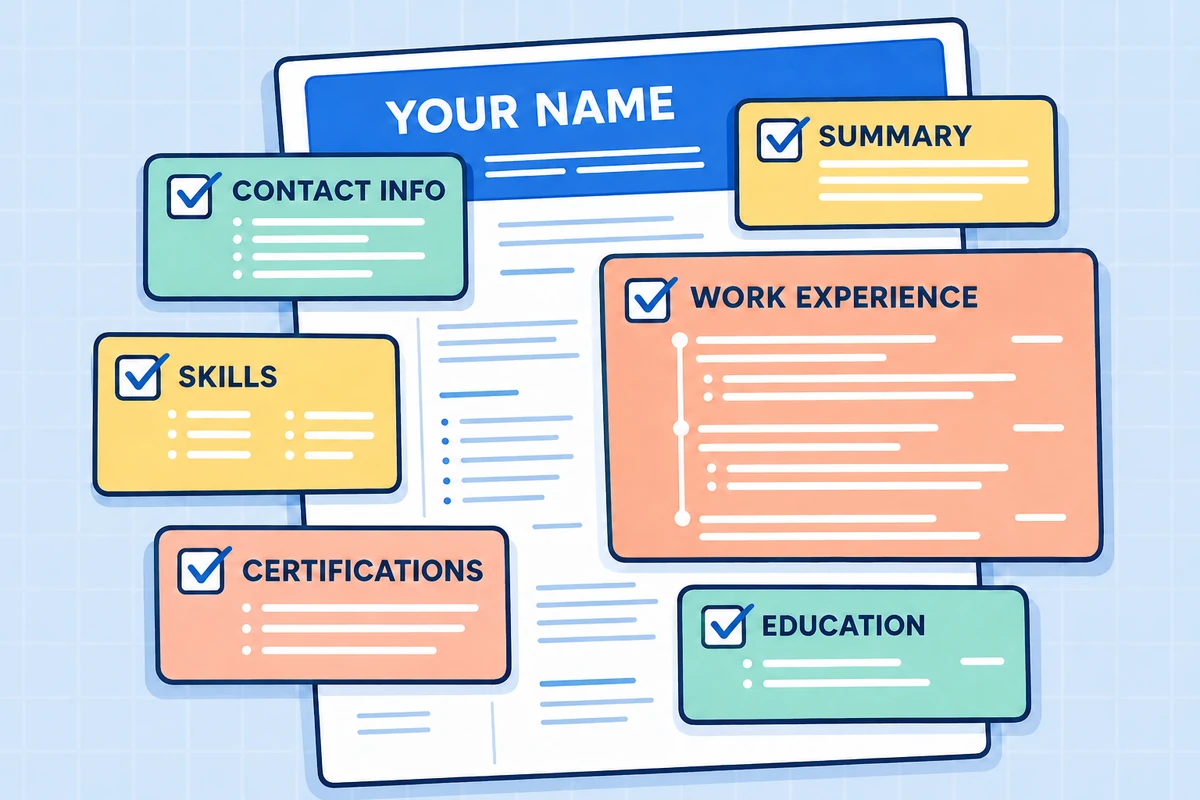
Detailed ATS-friendly resume checklist illustration

Featured guide

ATS guide

How to Make Your Resume Pass ATS Checks

A recruiter-style walkthrough of headings, keywords, file structure, and formatting checks to review before you apply.

Maya Chen, senior resume editor

Maya Chen

Senior Resume Editor

June 19, 20268 min read
Career editor comparing role-specific resume examples

Research report

Examples

Professional Resume Examples by Role

Compare role-specific summaries, skills, and bullet patterns so your resume reads like it belongs in the target field.

Jordan Lee, career research editor

Jordan Lee

Career Research Editor

June 12, 20267 min read
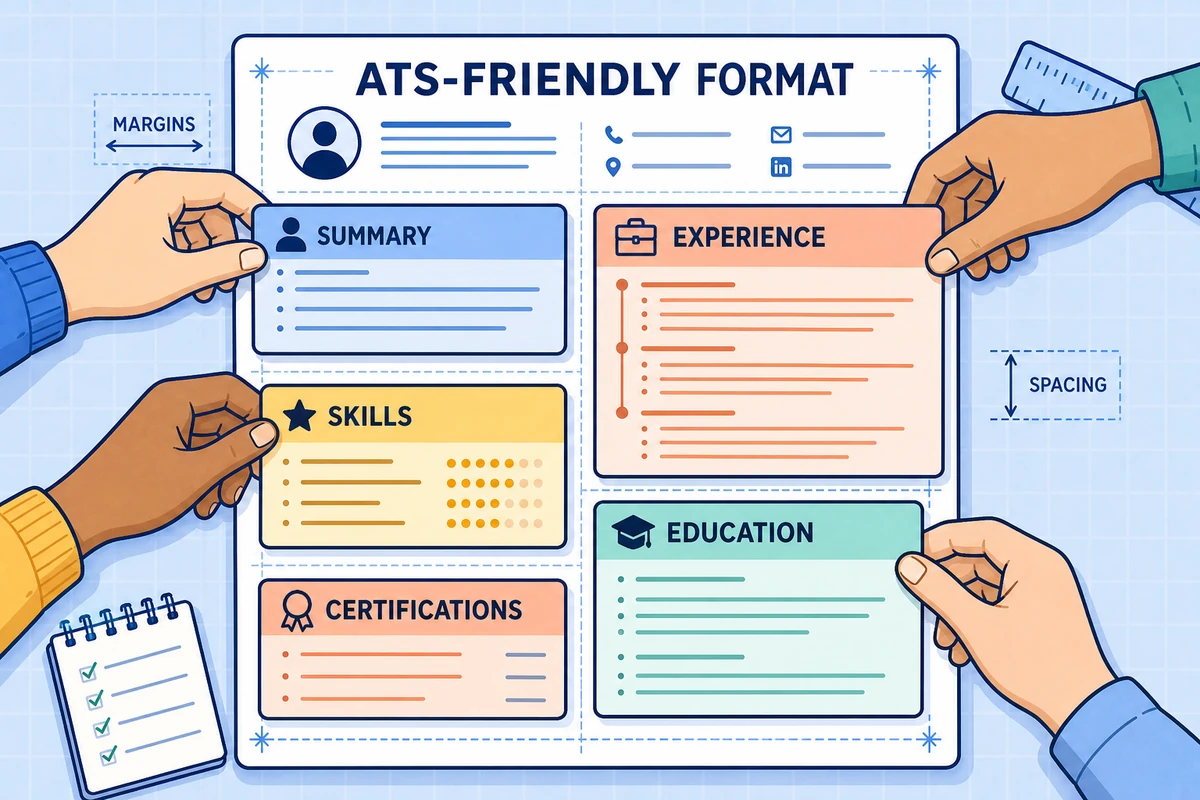
Detailed ATS-friendly resume format illustration

Format guide

Templates

How to Choose the Best Resume Format

See how section order, spacing, typography, and visual hierarchy affect both quick human scans and parser readability.

Elena Park, template review lead

Elena Park

Template Review Lead

May 28, 20266 min read
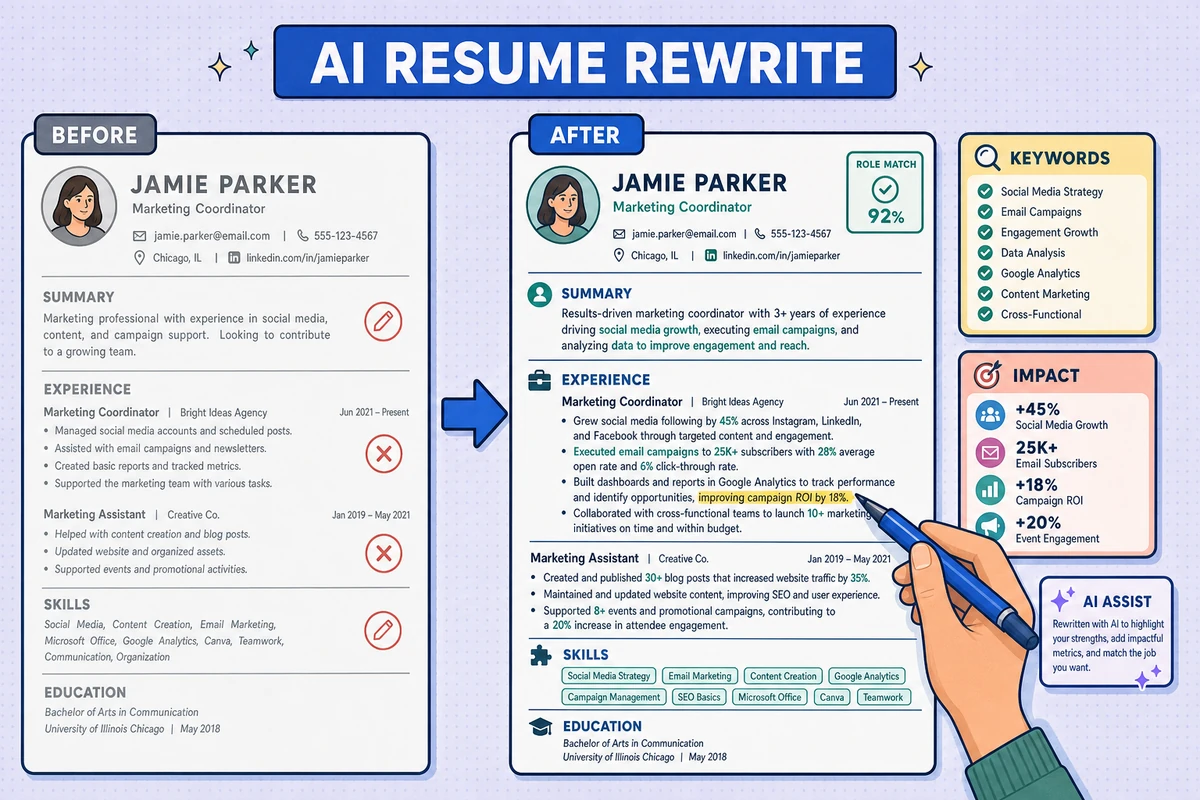
Detailed before-and-after AI resume rewrite illustration

Workflow article

AI workflow

How to Rewrite a Resume with AI

A step-by-step editing flow for turning an old resume into clearer summaries, sharper bullets, and stronger role alignment.

Noah Rivera, product workflow editor

Noah Rivera

Product Workflow Editor

May 9, 20269 min read

Resume Builder Frequently Asked Questions

Yes. You can create, edit, and preview your resume before choosing a download option. PDF export is a paid feature, but during the public beta PDF downloads are available at no charge and no payment method is required. TXT export is available free of charge.